Amazon Product Launch Strategy: From Zero to Sales Hero
Amazon Product Launch Strategy: From Zero to Sales Hero
So, you’ve got a brilliant product, a killer listing, and dreams of Amazon domination. But there’s one tiny hurdle: zero reviews. Don’t panic! Every successful Amazon seller started where you are. This guide, from Ecommerce Pathshala, will equip you with a practical, no-fluff strategy to launch your product and build a solid foundation of positive reviews.
Why is Launching with Zero Reviews So Challenging?
Let’s face it, on Amazon, reviews are social proof gold. They build trust, influence buying decisions, and boost your product’s visibility. Without them, your product is essentially invisible in the vast Amazon marketplace. But this challenge also presents an opportunity: by launching strategically, you can not only gain those crucial initial reviews but also build a sustainable sales momentum.
Step 1: Optimizing Your Listing Before the Launch
Before you even think about driving traffic, your listing needs to be conversion-optimized. This is non-negotiable. Think of your listing as your storefront. Would you open a shop with a broken window and dusty shelves? Of course not!
- Keywords: Conduct thorough keyword research using tools like Helium 10, Jungle Scout, or even Amazon’s own search bar suggestions. Identify high-volume, low-competition keywords relevant to your product.
- Title: Craft a compelling title that includes your primary keywords, key benefits, and brand (if applicable).
- Images: Invest in high-quality product photography. Show your product from multiple angles, in use, and highlighting its key features. Include lifestyle images to help customers visualize themselves using your product.
- Bullet Points: Write clear, concise bullet points that highlight the benefits of your product, not just its features. Focus on solving the customer’s pain points.
- Description: Expand on your bullet points in a detailed product description. Tell a story, create a connection, and address any potential customer concerns.
SEO Tip: Don’t stuff your listing with keywords. Focus on natural language that resonates with your target audience. Amazon’s algorithm is smart enough to understand context.
Step 2: Perfect Pricing & Profitability from the Start
Pricing is a delicate dance. You need to be competitive while ensuring profitability. Consider the following:
- Competitive Analysis: Research your competitors’ pricing. What are they charging for similar products?
- Landing Cost: Calculate your total cost per unit, including manufacturing, shipping, and Amazon fees.
- Profit Margin: Determine your desired profit margin. What percentage of revenue do you want to keep?
- Launch Price: Consider offering a discounted launch price to incentivize early sales and reviews. However, be mindful of Amazon’s policies on manipulating prices.
Pathshala Insight: A slightly lower price point can attract initial buyers, but don’t undervalue your product. A perceived value gap is crucial. Communicate the quality and benefits that justify the price.
Step 3: Driving Initial Traffic to Your Listing
Now that your listing is optimized and your pricing is set, it’s time to drive traffic. Here are a few effective strategies:
- Amazon PPC (Sponsored Products): Run targeted PPC campaigns to reach customers searching for your product. Start with automatic campaigns to identify relevant keywords and then refine with manual campaigns.
- Social Media Marketing: Promote your product on social media platforms like Facebook, Instagram, and YouTube. Run targeted ads or partner with influencers to reach a wider audience.
- Email Marketing: If you have an email list, promote your product to your subscribers. Offer a special discount or incentive to encourage them to purchase.
- Amazon Posts: Use Amazon Posts (if available for your brand) to create engaging content that showcases your product and drives traffic to your listing.
Step 4: How to Get First Reviews Amazon – Ethically!
Getting those first few reviews is crucial. Here’s how to do it the right way:
- Amazon Request a Review Button: The simplest and most compliant method. After a customer makes a purchase, use the “Request a Review” button on the order details page in Seller Central. Amazon will send an automated email to the buyer requesting a review.
- Amazon Vine Program: Enroll in the Amazon Vine program (if eligible). Vine Voices, trusted reviewers selected by Amazon, will receive your product and provide honest reviews. This is a paid program.
- Early Reviewer Program (Discontinued): Note that Amazon discontinued this program some time ago.
- Product Inserts (With Caution): Include a small product insert in your packaging, thanking customers for their purchase and inviting them to leave a review. *Do not* incentivize reviews with discounts or freebies – this is strictly against Amazon’s policies. Simply ask for honest feedback.
Pro Tip: Focus on providing excellent customer service. Respond promptly to customer inquiries and address any issues quickly and efficiently. Happy customers are more likely to leave positive reviews.
Step 5: Monitoring, Analyzing, and Optimizing
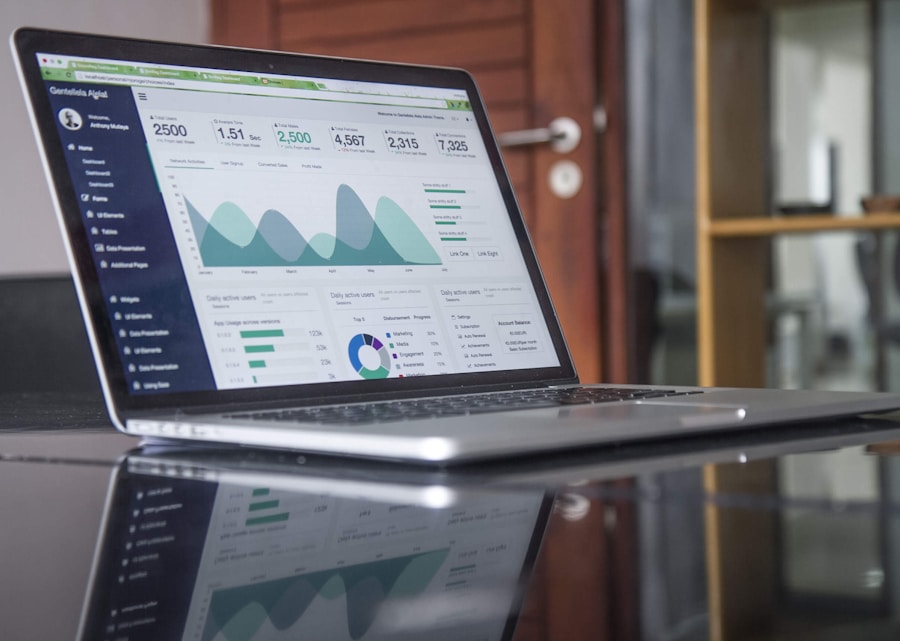
Launching a product is not a one-time event. It’s an ongoing process of monitoring, analyzing, and optimizing. Track your sales, conversion rates, keyword rankings, and customer reviews. Use this data to make informed decisions about your listing, pricing, and marketing strategy.
Common Mistakes to Avoid
- Ignoring Listing Optimization: Launching with a poorly optimized listing is like throwing money away.
- Violating Amazon’s Review Policies: Do not incentivize reviews with discounts or freebies. This can lead to account suspension.
- Neglecting Customer Service: Poor customer service can lead to negative reviews and damage your reputation.
- Giving Up Too Soon: Building a successful product on Amazon takes time and effort. Don’t get discouraged if you don’t see results immediately.
FAQ
- How long does it take to get the first review on Amazon? It varies, but generally, expect it to take a few weeks to a month after your first sales.
- What happens if I get a negative review? Respond professionally and address the customer’s concerns. If the review is factually incorrect or violates Amazon’s policies, you can request its removal.
- Is it worth it to pay for Amazon Vine? If you have a quality product and can afford it, the Amazon Vine program can be a good way to get honest reviews and build credibility.
Launching a new product on Amazon with zero reviews requires a strategic approach, patience, and a commitment to providing excellent customer service. By following the steps outlined in this guide, you can increase your chances of success and build a thriving Amazon business.
Want a free audit of your Amazon strategy? Contact MMR India
WhatsApp pe apne customers ko reach karo
WapiSend — India ka #1 WhatsApp Bulk Messaging tool. Ek baar pay karo, lifetime use karo.
WhatsApp pe apne customers ko reach karo
WapiSend — Lifetime access. Ek baar pay, hamesha use karo.
Get WapiSend ₹999 Only →🛠️ Recommended Tools for Indian Sellers
Helium 10 (Get 20% OFF) →Canva Pro (Design Better Listings) →